

# About Daucu

Daucu is a versatile cloud services platform designed to simplify the development and deployment of applications. Our suite of services is tailored to meet the diverse needs of developers and businesses, ensuring seamless operations from deployment to scaling and management.

#### Key Services

**Daucu Cloud Run:**\
Run your Docker images effortlessly with Daucu Cloud Run. Our platform allows you to manage and scale your applications with ease, so you can focus on building rather than managing infrastructure.

**Daucu DevOps:**\
Streamline your CI/CD processes with Daucu DevOps. We automatically build your Docker images and deploy them to Cloud Run directly from your GitHub repositories, allowing for a smooth development workflow.

**Daucu Container Registry:**\
Easily store and manage your Docker container images with Daucu Container Registry. Whether you're working with public or private images, our secure and scalable registry supports seamless integration with your CI/CD pipelines.

**Daucu Scheduler:**\
Take control of your tasks with Daucu Scheduler. Schedule and automate your workloads effortlessly, ensuring that your applications run at the right time, every time.

**Daucu MySQL Manager:**\
Our MySQL Manager provides a robust MySQL cluster service, offering the scalability and performance you need to power your applications while simplifying database management.

**Daucu Cloud Storage:**\
Store and manage your objects securely with Daucu Cloud Storage. Our object storage solution ensures that your data is safe, easily accessible, and scalable to meet your growing needs.

**Daucu DNS Server:**\
Manage your domains effortlessly with our DNS server services. Simplify your domain management and ensure your applications are always accessible.

#### Seamless Integration

Daucu enables you to connect your deployment source effortlessly, allowing our platform to handle the complexities of deployment and scaling automatically.

**Flexible Deployment Options**\
Whether you're working with code repositories or Docker images, Daucu supports various deployment sources. We build OCI-compliant images based on your specifications, whether they come from Docker Hub, GitHub, or other registries.

**Hassle-Free Setup**\
Daucu provides sensible defaults out of the box to get you up and running quickly. When you’re ready to optimize, our platform offers a range of configuration options to tailor your environment to your needs.

#### A Comprehensive Development Lifecycle

Daucu recognizes that software development goes beyond just code deployment. Our platform continuously evolves to enhance the developer experience and streamline workflows.

**Configuration Management**\
Manage your variables and secrets easily with our configuration management tools. Keep your sensitive data secure and accessible.

**Environment and Workflow**\
Create both static and ephemeral environments to enhance your workflows. Our orchestration tools allow you to integrate Daucu into any development process seamlessly.

**Deployment Monitoring**\
Stay informed about your deployments with Daucu’s built-in observability tools. Monitor performance and gain insights into your applications’ operational health.

#### Our Commitment

At Daucu, we prioritize reliability and transparency in our operations. By utilizing a robust combination of alerting systems, internal processes, and operational best practices, we ensure high uptime and exceptional service for our customers.


# Overview

<figure><img src="https://gitbookio.github.io/onboarding-template-images/quickstart-hero.png" alt=""><figcaption></figcaption></figure>

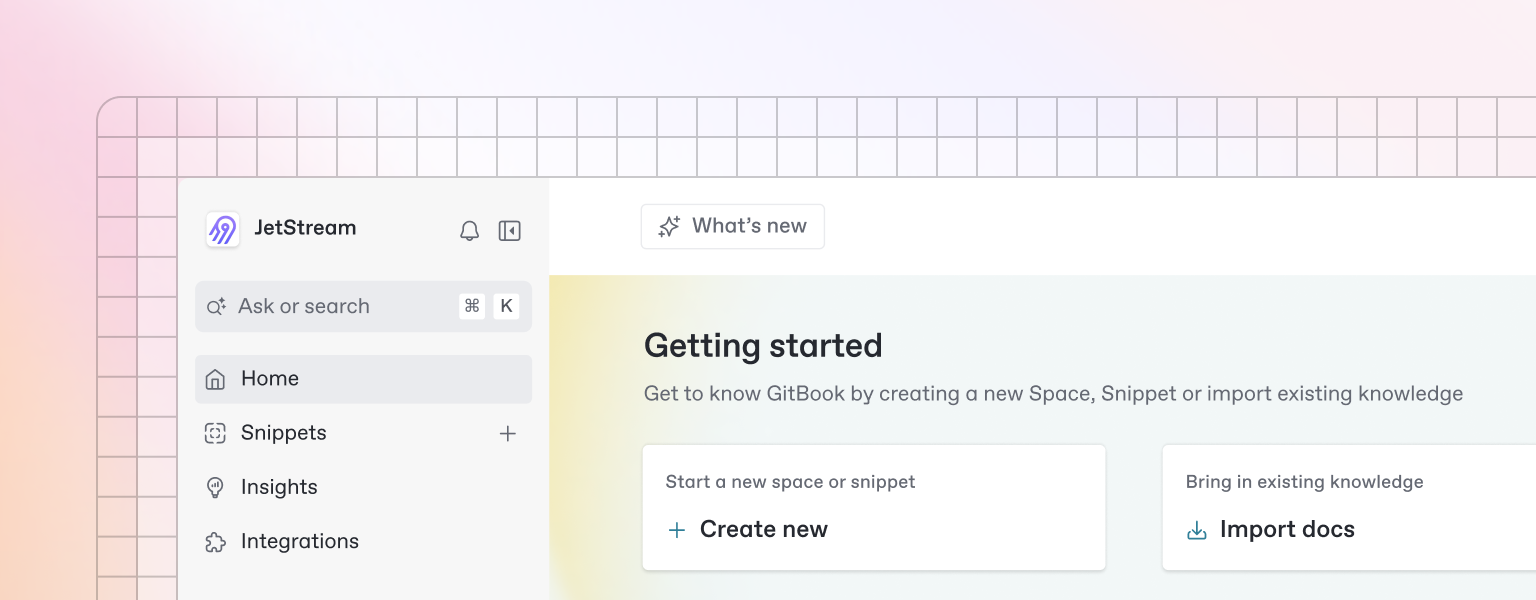
Beautiful documentation starts with the content you create — and GitBook makes it easy to get started with any pre-existing content.

{% hint style="info" %}
Want to learn about writing content from scratch? Head to the [Basics](https://github.com/GitbookIO/onboarding-template/blob/main/getting-started/broken-reference/README.md) section to learn more.
{% endhint %}

### Import

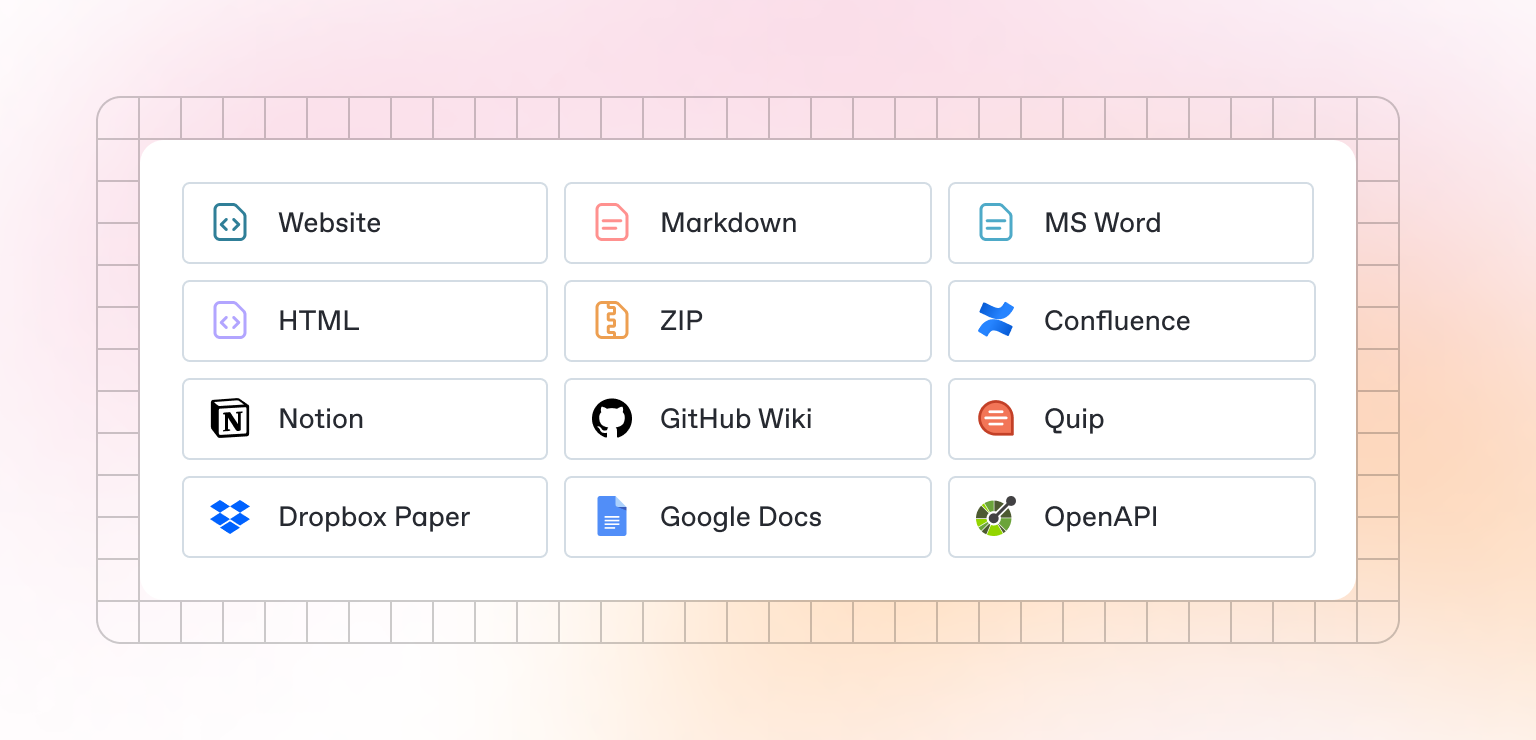
GitBook supports importing content from many popular writing tools and formats. If your content already exists, you can upload a file or group of files to be imported.

<div data-full-width="false"><figure><img src="https://gitbookio.github.io/onboarding-template-images/quickstart-import.png" alt=""><figcaption></figcaption></figure></div>

### Sync a repository

GitBook also allows you to set up a bi-directional sync with an existing repository on GitHub or GitLab. Setting up Git Sync allows you and your team to write content in GitBook or in code, and never have to worry about your content becoming out of sync.


# Daucu Cloud Run

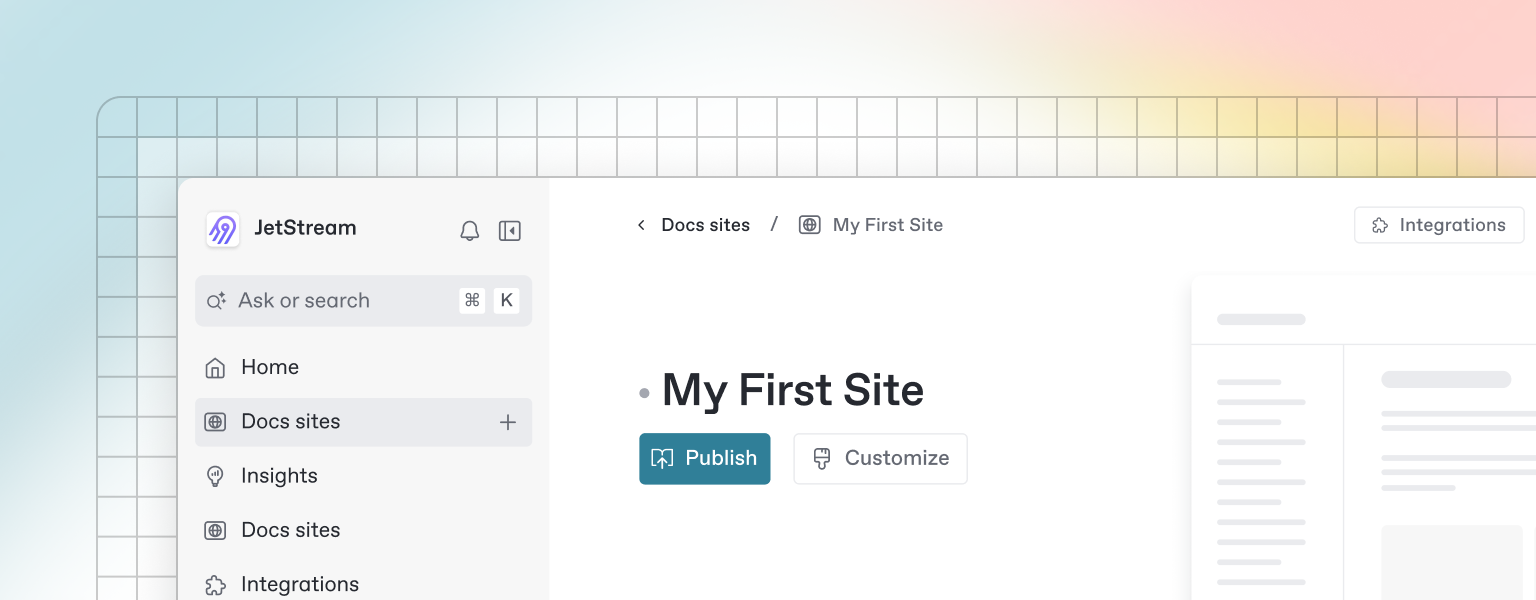
Once you’ve finished writing, editing, or importing your content, you can publish your work to the web as a docs site. Once published, your site will be accessible online only to your selected audience.

You can publish your site and find related settings from your docs site's homepage.

<figure><img src="https://gitbookio.github.io/onboarding-template-images/publish-hero.png" alt=""><figcaption></figcaption></figure>


# Daucu DevOps


# Daucu Container Registry


# Daucu Scheduler


# Daucu Cloud Storage


# Daucu MySQL Clusters


# Daucu DNS Server


# Pricing Plans

GitBook has a powerful block-based editor that allows you to seamlessly create, update, and enhance your content.

<figure><img src="https://gitbookio.github.io/onboarding-template-images/editor-hero.png" alt=""><figcaption></figcaption></figure>

### Writing content

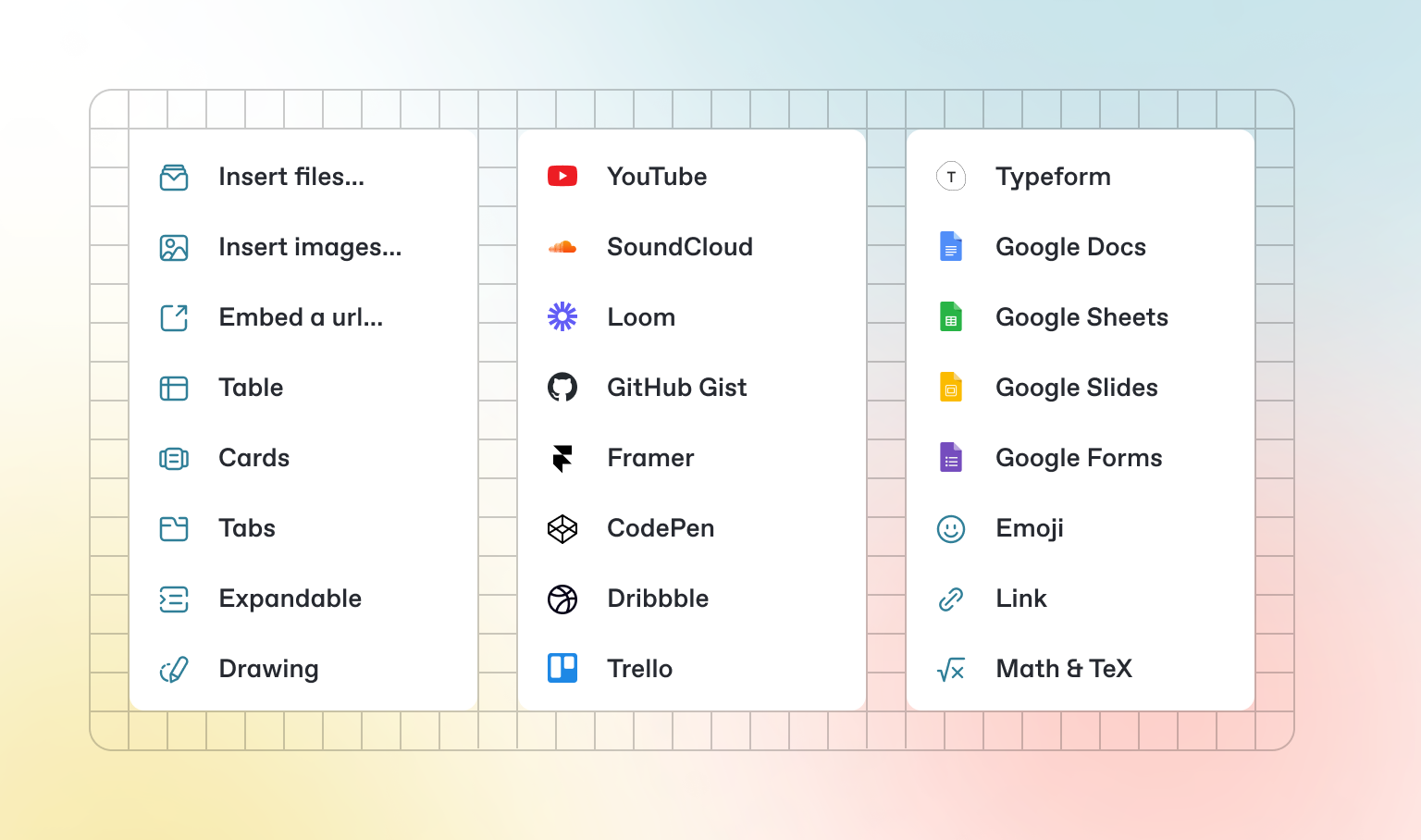
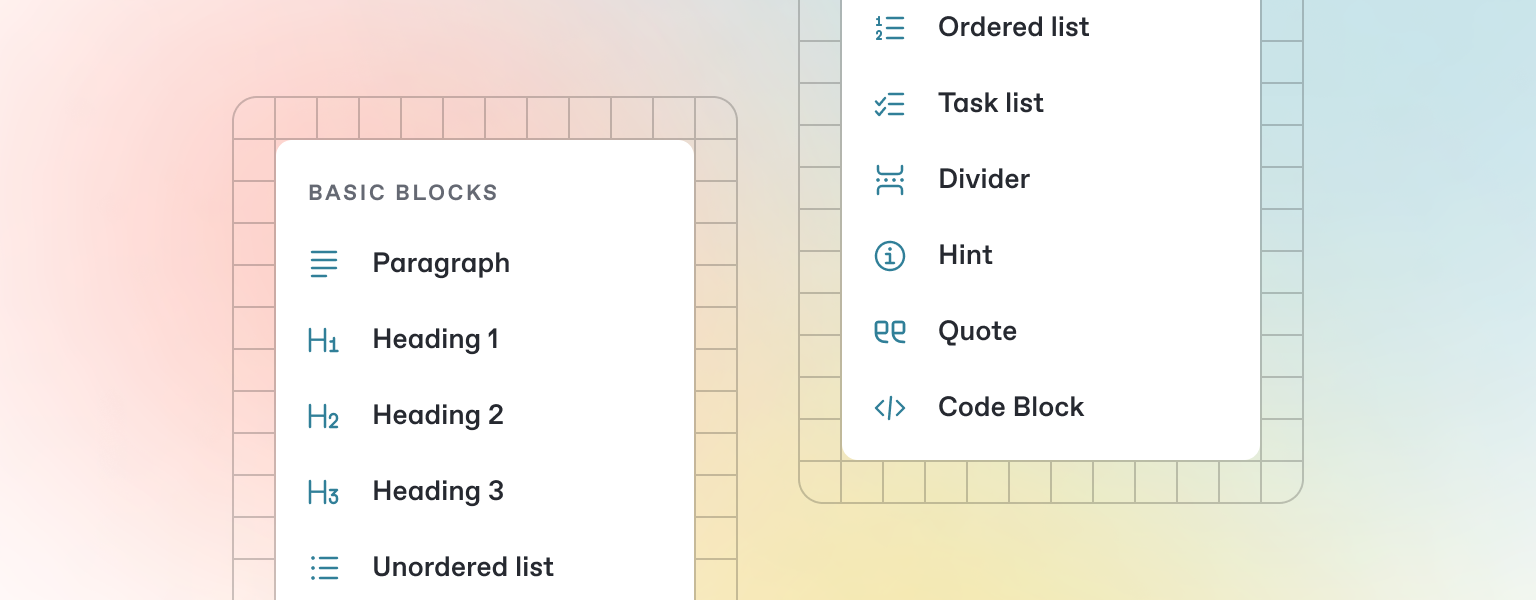
GitBook offers a range of block types for you to add to your content inline — from simple text and tables, to code blocks and more. These elements will make your pages more useful to readers, and offer extra information and context.

Either start typing below, or press `/` to see a list of the blocks you can insert into your page.


# Free Trial

GitBook supports many different types of content, and is backed by Markdown — meaning you can copy and paste any existing Markdown files directly into the editor!

<figure><img src="https://gitbookio.github.io/onboarding-template-images/markdown-hero.png" alt=""><figcaption></figcaption></figure>

Feel free to test it out and copy the Markdown below by hovering over the code block in the upper right, and pasting into a new line underneath.

```markdown
# Heading

This is some paragraph text, with a [link](https://docs.gitbook.com) to our docs. 

## Heading 2
- Point 1
- Point 2
- Point 3
```

{% hint style="info" %}
If you have multiple files, GitBook makes it easy to import full repositories too — allowing you to keep your GitBook content in sync.
{% endhint %}


# Pricing FAQs

GitBook allows you to add images and media easily to your docs. Simply drag a file into the editor, or use the file manager in the upper right corner to upload multiple images at once.

<figure><img src="https://gitbookio.github.io/onboarding-template-images/images-hero.png" alt=""><figcaption><p>Add alt text and captions to your images</p></figcaption></figure>

{% hint style="info" %}
You can also add images simply by copying and pasting them directly into the editor — and GitBook will automatically add it to your file manager.
{% endhint %}


# Refunds

In addition to the default Markdown you can write, GitBook has a number of out-of-the-box interactive blocks you can use. You can find interactive blocks by pressing `/` from within the editor.

<figure><img src="https://gitbookio.github.io/onboarding-template-images/interactive-hero.png" alt=""><figcaption></figcaption></figure>

### Tabs

{% tabs %}
{% tab title="First tab" %}
Each tab is like a mini page — it can contain multiple other blocks, of any type. So you can add code blocks, images, integration blocks and more to individual tabs in the same tab block.
{% endtab %}

{% tab title="Second tab" %}
Add images, embedded content, code blocks, and more.

```javascript
const handleFetchEvent = async (request, context) => {
    return new Response({message: "Hello World"});
};
```

{% endtab %}
{% endtabs %}

### Expandable sections

<details>

<summary>Click me to expand</summary>

Expandable blocks are helpful in condensing what could otherwise be a lengthy paragraph. They are also great in step-by-step guides and FAQs.

</details>

### Drawings

<img alt="" class="gitbook-drawing">

### Embedded content

{% embed url="<https://www.youtube.com/watch?v=YILlrDYzAm4>" %}

{% hint style="info" %}
GitBook supports thousands of embedded websites out-of-the-box, simply by pasting their links. Feel free to check out which ones[ are supported natively](https://iframely.com).
{% endhint %}


# Integrations

GitBook integrations allow you to connect your GitBook spaces to some of your favorite platforms and services. You can install integrations into your GitBook page from the *Integrations* menu in the top left.

<figure><img src="https://gitbookio.github.io/onboarding-template-images/integrations-hero.png" alt=""><figcaption></figcaption></figure>

### Types of integrations

<table data-card-size="large" data-view="cards"><thead><tr><th></th><th></th><th data-hidden data-card-target data-type="content-ref"></th><th data-hidden data-card-cover data-type="files"></th><th data-hidden></th></tr></thead><tbody><tr><td><strong>Analytics</strong></td><td>Track analytics from your docs</td><td><a href="https://www.gitbook.com/integrations#analytics">https://www.gitbook.com/integrations#analytics</a></td><td><a href="https://content.gitbook.com/content/jJdkImXvbwuZ0ZWE0ReE/blobs/tMAkawV8F4foqbBhc1Ct/2.png">2.png</a></td><td></td></tr><tr><td><strong>Support</strong></td><td>Add support widgets to your docs</td><td><a href="https://www.gitbook.com/integrations#support">https://www.gitbook.com/integrations#support</a></td><td><a href="https://content.gitbook.com/content/jJdkImXvbwuZ0ZWE0ReE/blobs/9GkF3cbu0vq3AE00aSaf/3.png">3.png</a></td><td></td></tr><tr><td><strong>Interactive</strong></td><td>Add extra functionality to your docs</td><td><a href="https://www.gitbook.com/integrations#interactive">https://www.gitbook.com/integrations#interactive</a></td><td><a href="https://content.gitbook.com/content/jJdkImXvbwuZ0ZWE0ReE/blobs/pj7iaO4Y8Y0WPIwrDKfl/4.png">4.png</a></td><td></td></tr><tr><td><strong>Visitor Authentication</strong></td><td>Protect your docs and require sign-in</td><td><a href="https://www.gitbook.com/integrations#visitor-authentication">https://www.gitbook.com/integrations#visitor-authentication</a></td><td><a href="https://content.gitbook.com/content/jJdkImXvbwuZ0ZWE0ReE/blobs/EVnYsKZ8RyK0fmNdMRJr/1.png">1.png</a></td><td></td></tr></tbody></table>


# Public API

You can sync GitBook pages with an OpenAPI or Swagger file or a URL to include auto-generated API methods in your documentation.

### OpenAPI block

GitBook's OpenAPI block is powered by [Scalar](https://scalar.com/), so you can test your APIs directly from your docs.

{% openapi src="<https://petstore3.swagger.io/api/v3/openapi.json>" path="/pet" method="post" %}
<https://petstore3.swagger.io/api/v3/openapi.json>
{% endopenapi %}